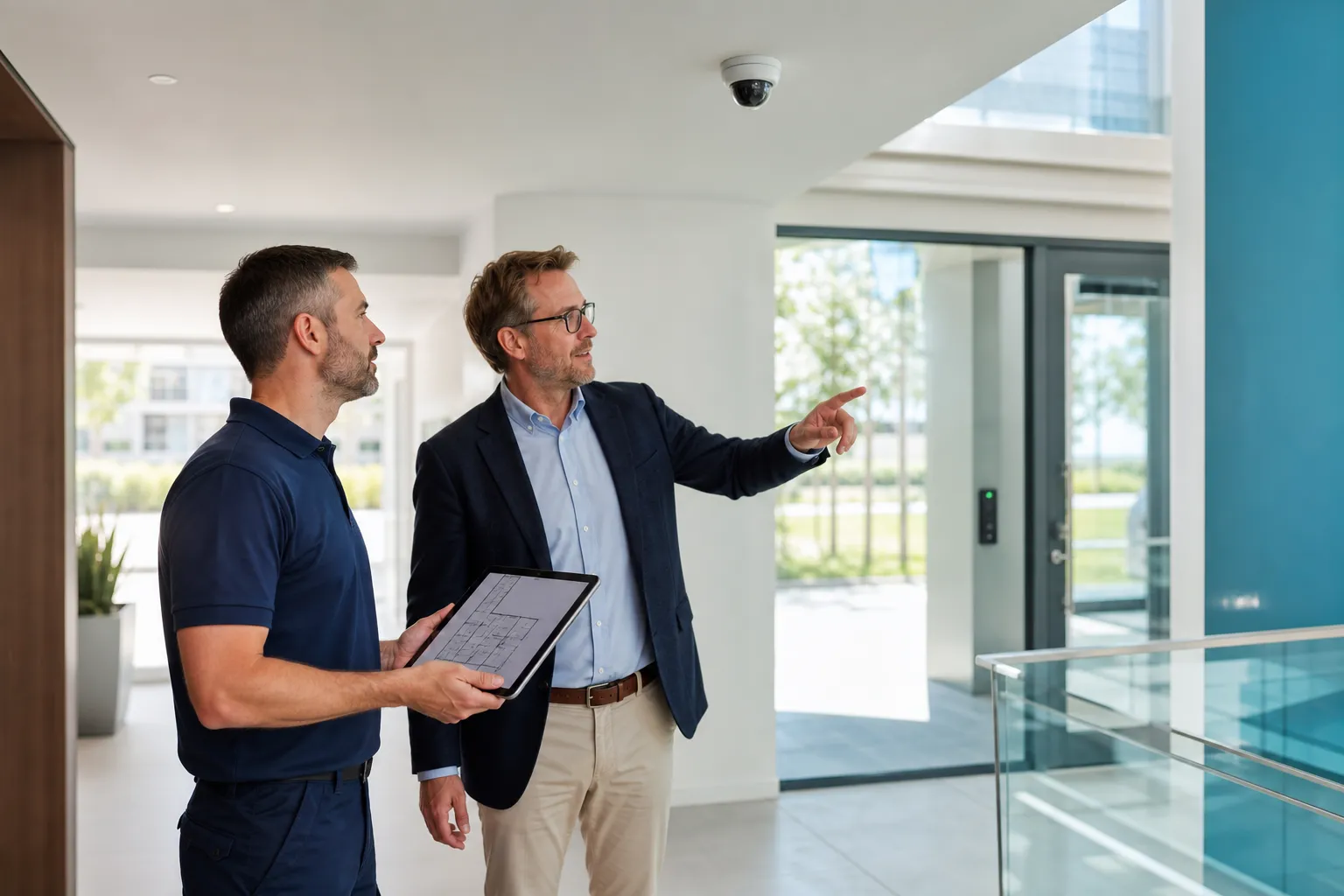
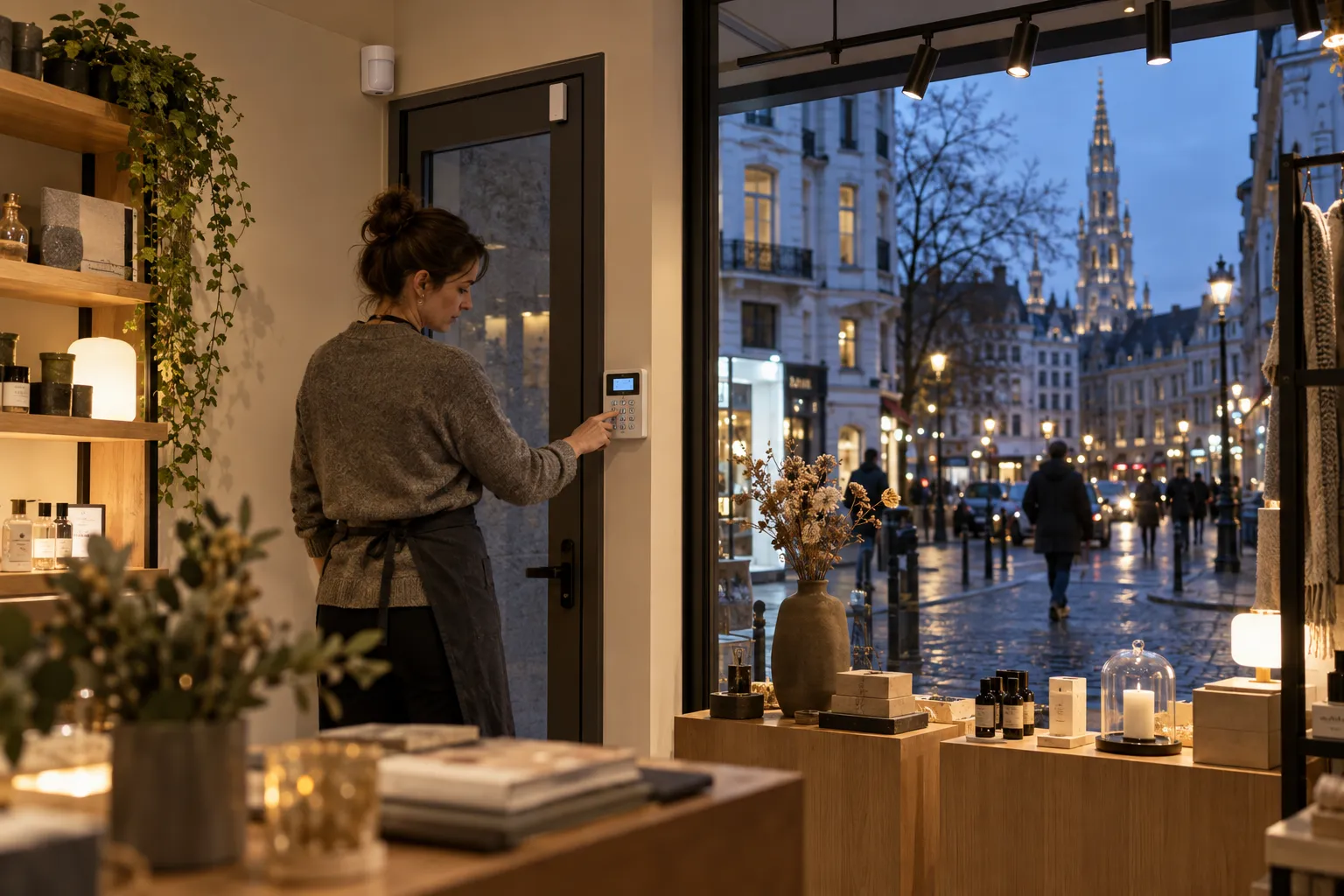
Start with entrances, schedules, stock, team routines and opening and closing scenarios. Mixed Brussels buildings, rear deliveries and neighbours make a site survey particularly valuable.
Key points
- Map public entrance, delivery, stock and shared access.
- Create simple opening, closing and cleaning scenarios.
- Adapt detection to glazing and actual movement.
- Define who receives, verifies and maintains alarms.
Start with plausible routes
The main entrance is not always most exposed. Delivery doors, courtyards, basements or access from upper floors may matter more.
In a mixed-use building, commercial and common areas need clear boundaries without disturbing residents.
- Entrance and glazing
- Delivery
- Stock
- Upper-floor access
- Emergency exits
Combine shell and internal detection
Door contacts detect opening while volumetric sensors detect movement. A proportionate mix avoids relying on one type.
Ventilation, curtains, heat and fixtures affect selection. Test in real operating conditions.
| Zone | Question |
|---|---|
| Window | What event should be detected? |
| Entrance | How does entry delay work? |
| Stock | Should it remain armed while open? |
| Office | Who enters and when? |
| Delivery | How is temporary access given? |
Build scenarios around the team
The first employee should open safely and the last should close clearly. Cleaning and delivery may have separate periods.
Use individual codes or credentials and name an administrator. Do not share one code with every contractor.
- First arrival
- Last departure
- Cleaning
- Delivery
- Technical visit
Reduce nuisance alarms
Repeated alarms are eventually ignored. Common causes include unsuitable sensors, poor doors, moving curtains or unclear procedures.
Teach users to read and report faults. Record issues through the support portal.
- Right sensor
- Door mechanics
- Layout changes
- Training
- Fault follow-up
Use video selectively
A few well-framed cameras can add context at an entrance or stockroom without filming every workstation.
Handle purpose, accounts, retention, signs, notification and records separately under camera and workplace rules.
- Critical passages
- No broad staff monitoring
- Named accounts
- Documentation
Who responds?
A phone alert, contact person and monitoring centre have different roles. Define receipt, verification and attendance.
GVISION does not provide 24/7 support. Continuous response requires a separate service and contract.
| Event | Role |
|---|---|
| Technical fault | System owner |
| Alarm while open | On-site manager |
| Out-of-hours alarm | Contact chain or contracted service |
| Maintenance | Named contact |
Belgian rules
Some systems with an outdoor siren or communications module require registration. Check the installed configuration.
The installing company must hold the applicable authorisation. Verify BeSafe lists.
- Registration
- Authorisation
- Current contacts
- Procedure
Brief before the survey
Send a plan, hours, team size, entrances, sensitive areas and existing system.
A useful quote describes zones, detection, controls, transmission, tests, training and maintenance.
- Address
- Hours
- Entrances
- Team
- Existing system
- Timing
FAQ
Can wireless suit retail?
Often yes, after reviewing radio conditions, risk and battery maintenance.
Can the stockroom stay armed?
Yes with suitable zoning and a clear delivery procedure.
Who should receive alerts?
Named, available and trained people under the response plan.
Does GVISION respond at night?
No. Confirmed support hours are weekdays from 8:30 am to 5:00 pm.