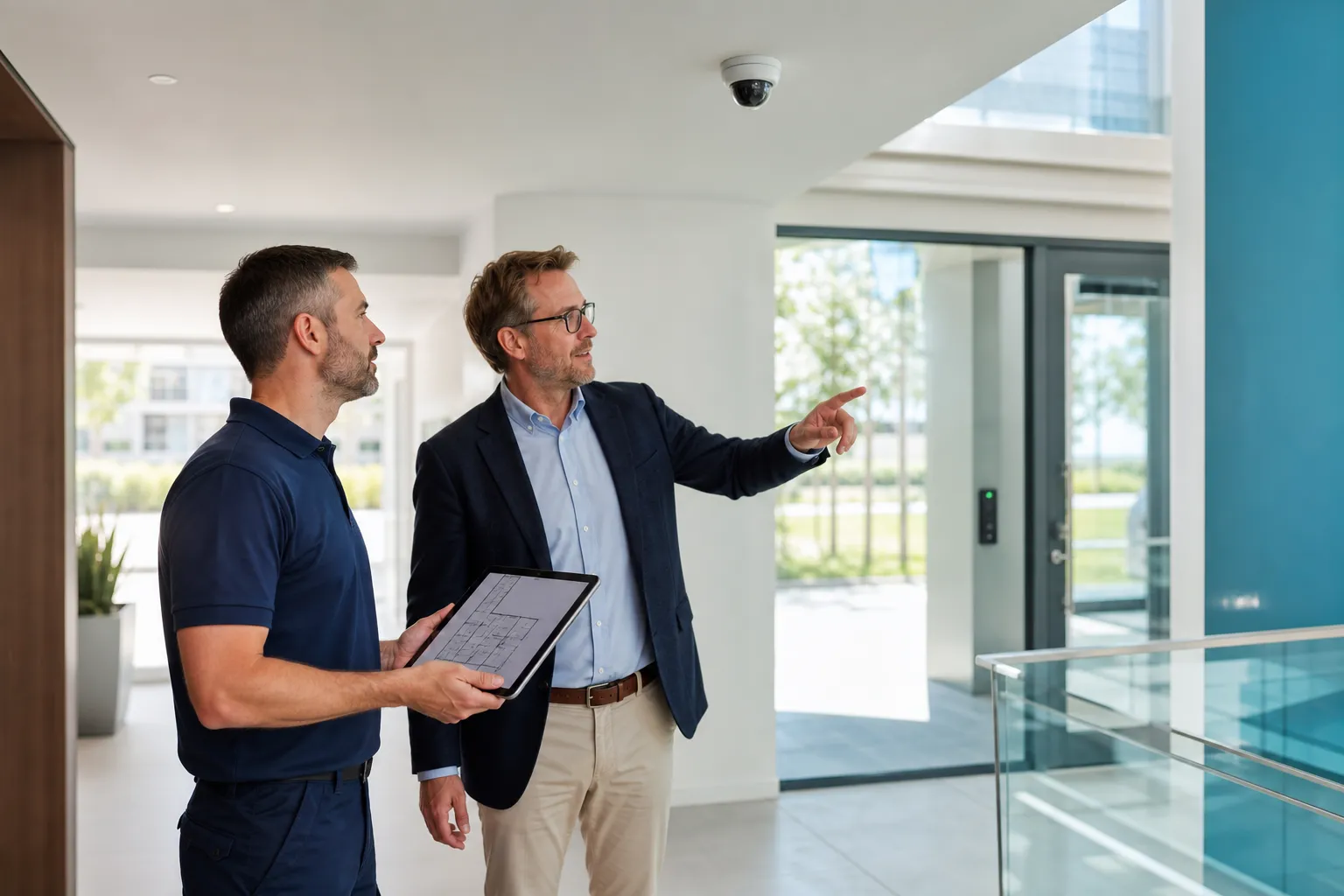
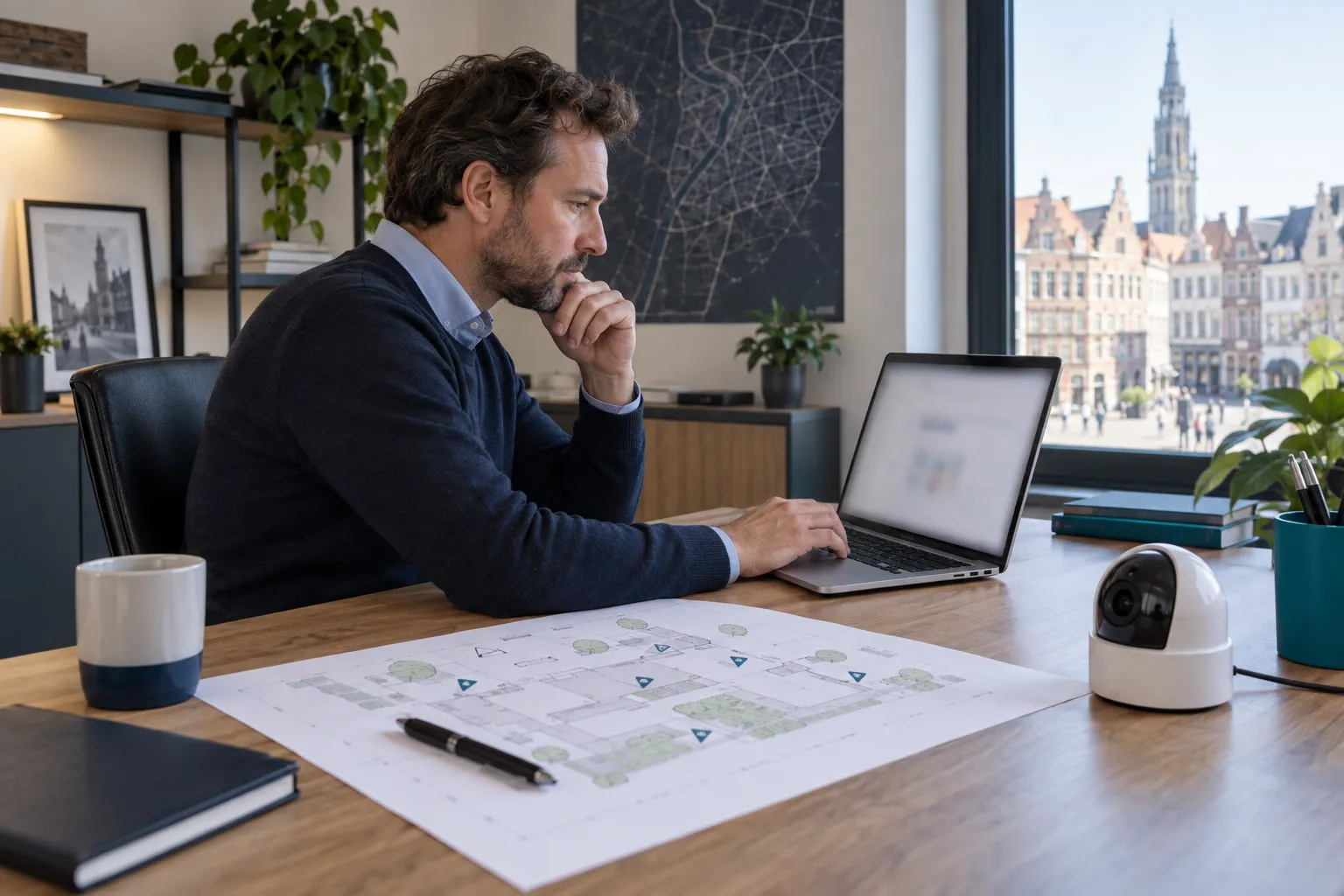
Where notification is required, the controller declares the system per location through the official application no later than the day before commissioning. Prepare identity, place, cameras and positions. Changes and an annual review form part of ongoing governance.
Key points
- Identify the controller first.
- Prepare a separate notification per place.
- Complete it no later than the day before use.
- Update changes and review annually.
- Notification does not replace signage or the internal record.
Regulatory content reviewed on 8 September 2026. Check official sources for your specific situation.
Step 1: Check whether notification applies
Look at the actual purpose: preventing or detecting offences or nuisance, or maintaining order. Location and recording also matter. Purely personal use inside a private home may be treated differently.
A visible doorbell without recording is not automatically the same as recorded surveillance. Start from operation, not the product label.
- Purpose
- Recording or live view
- Type of place
- People and spaces in view
Step 2: Identify the controller
The controller decides why and how footage is processed. It may be a resident, a company or a formally designated party in shared property.
The installer supplies technical details but does not automatically own responsibility. Name administrators and viewers as well.
- Exact identity
- Contact details
- Record owner
- Authorised users
Step 3: Gather information per place
Prepare the address, place type, number and type of cameras and positions. A simple plan keeps notification, record and installation consistent.
Give each camera a purpose and validated angle. Signage and the record should reflect the same decisions.
| Information | Preparation |
|---|---|
| Place | Address and category |
| Controller | Identity and contact |
| Cameras | Type, number and location |
| Purpose | Reason for each view |
| Start | Planned commissioning date |
Step 4: Notify on time
The DPA states that notification must be completed no later than the day before commissioning. Use the official application and retain the reference.
Do not begin routine use until signage, record, accounts and retention are ready.
- Application access
- Review details
- Keep the reference
- Coordinate signage
Step 5: Keep it current
Adding, moving or removing a camera may require an update. A new purpose, controller or address also calls for review.
Schedule an annual comparison of notification, physical inventory, users, views, retention and signage.
- Physical inventory
- Controller details
- Purpose and angles
- Users
- Automatic deletion
- Signage condition
Notification, record and sign are different
Notification registers the system, the internal record describes processing and the sign informs people before they enter. None replaces the others.
An extended privacy notice can explain controller, purpose, retention, recipients and rights.
| Item | Role |
|---|---|
| Notification | Register the system by place |
| Record | Document processing |
| Sign | Inform people |
| Privacy notice | Provide detail |
What the installer can prepare
An installer can provide the plan, camera types, zones, retention settings and configured accounts, and flag excessive framing.
Legal decisions remain with the controller. Keep plans, inventory, settings and export process together.
- Plan and inventory
- Purpose per view
- Recording settings
- User list
- Export and deletion
Regulatory review
This guide was reviewed on 30 August 2026 using DPA and BeSafe information. Procedures may change, so always use the official application.
Workplace, public-space or sector-specific situations require further analysis.
FAQ
When must I notify?
No later than the day before commissioning when notification is required.
One notification per camera?
Notification is organised per place and includes the cameras in the system.
Who updates it?
The controller, with technical input from the installer.
Is an internal record still needed?
Yes. It serves a different purpose from the notification.