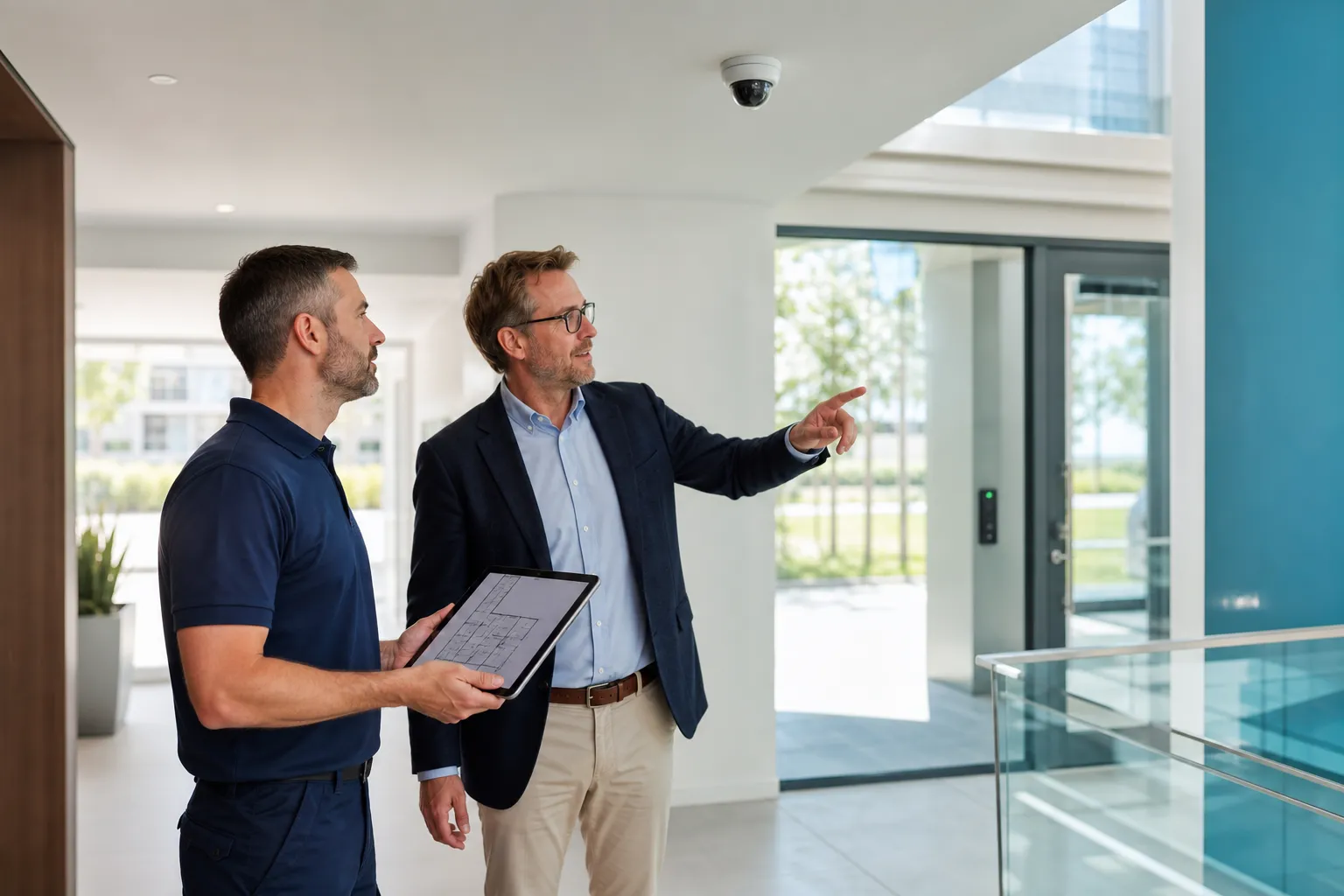

Useful integration shares only necessary events: access may change a zone state, an alarm may show the right camera and intercom may release a door. Critical functions keep autonomy, defined failure behaviour and clear ownership.
Key points
- Define scenarios before interfaces.
- Preserve critical autonomy.
- Share the minimum data.
- Assign accounts, networks and updates.
- Test faults as well as normal operation.
Integration is not total fusion
One platform may simplify use but also concentrate failures and dependency. The aim is faster understanding and action.
Ask what information flows, which decision improves and what happens if the interface fails.
- User benefit
- Data
- Action
- Failure state
- Interface owner
Access and intrusion alarm
An authorised credential may disarm a zone under defined conditions, but a stolen credential should not grant every power.
At closing, the system can report open doors. Include cleaners, late workers and technicians.
| Event | Possible response | Guardrail |
|---|---|---|
| Valid credential | Disarm zone | Role and time |
| Forced door | Create alarm | Verification |
| Arming request | Check doors | Exception process |
| Lost credential | Revoke | Protected admin |
Alarm and video
An alarm can display nearby views. A camera may still fail to confirm because of angle, darkness or outage.
Document zone-to-camera mapping and permissions. Camera law still applies.
- Mapping
- Useful view
- Authorised viewers
- Event log
- No-video mode
Intercom and access
Intercom handles visitors while access control handles known users. They may share a door release.
Plan unanswered calls, internet loss and local controls.
- Visitor versus user
- Routing
- Local command
- Right log
- Fallback
Fire safety first
Fire detection and evacuation must not depend on convenience integrations. Door behaviour follows the validated fire scenario.
Test interfaces with competent parties and preserve life safety during network or software failure.
- Validated scenario
- Evacuation priority
- Supervised interfaces
- Offline behaviour
- Periodic test
Network and cybersecurity
Segment equipment, restrict flows, protect accounts and document time, certificates and remote access.
Assign updates, backups and recovery. Temporary support access is better than a shared permanent account.
| Topic | Decision |
|---|---|
| Segmentation | VLAN and rules |
| Identity | Named accounts and roles |
| Time | Event synchronisation |
| Backup | Recovery |
| Support | Restricted access |
Data governance
Images, access logs and alarms have different purposes and retention. Share only what is needed.
Document controller, technical administrators, recipients and incident process.
- Purpose
- Retention
- Roles
- Exports
- Information
Test normal, fault and recovery
Simulate network loss, power cut, offline camera, revoked credential and restoration.
Write expected results and repeat after major updates or building changes.
- Normal
- Network
- Power
- Offline device
- Revocation
- Recovery
Integration roadmap
Inventory systems, versions, owners, networks and contracts. Choose a few high-value scenarios first.
Documentation and simple operation matter more than a spectacular demonstration.
- Inventory
- Priorities
- Responsibilities
- Test
- Documentation
- Review
FAQ
Must everything use one brand?
No. Documented interfaces can connect several systems.
Can an alarm show a camera automatically?
Yes, with tested mapping and a defined no-video mode.
Can a badge disarm the alarm?
Yes in suitable scenarios with roles and schedules.
Who manages updates?
Assign this explicitly between operations, IT and the installer.