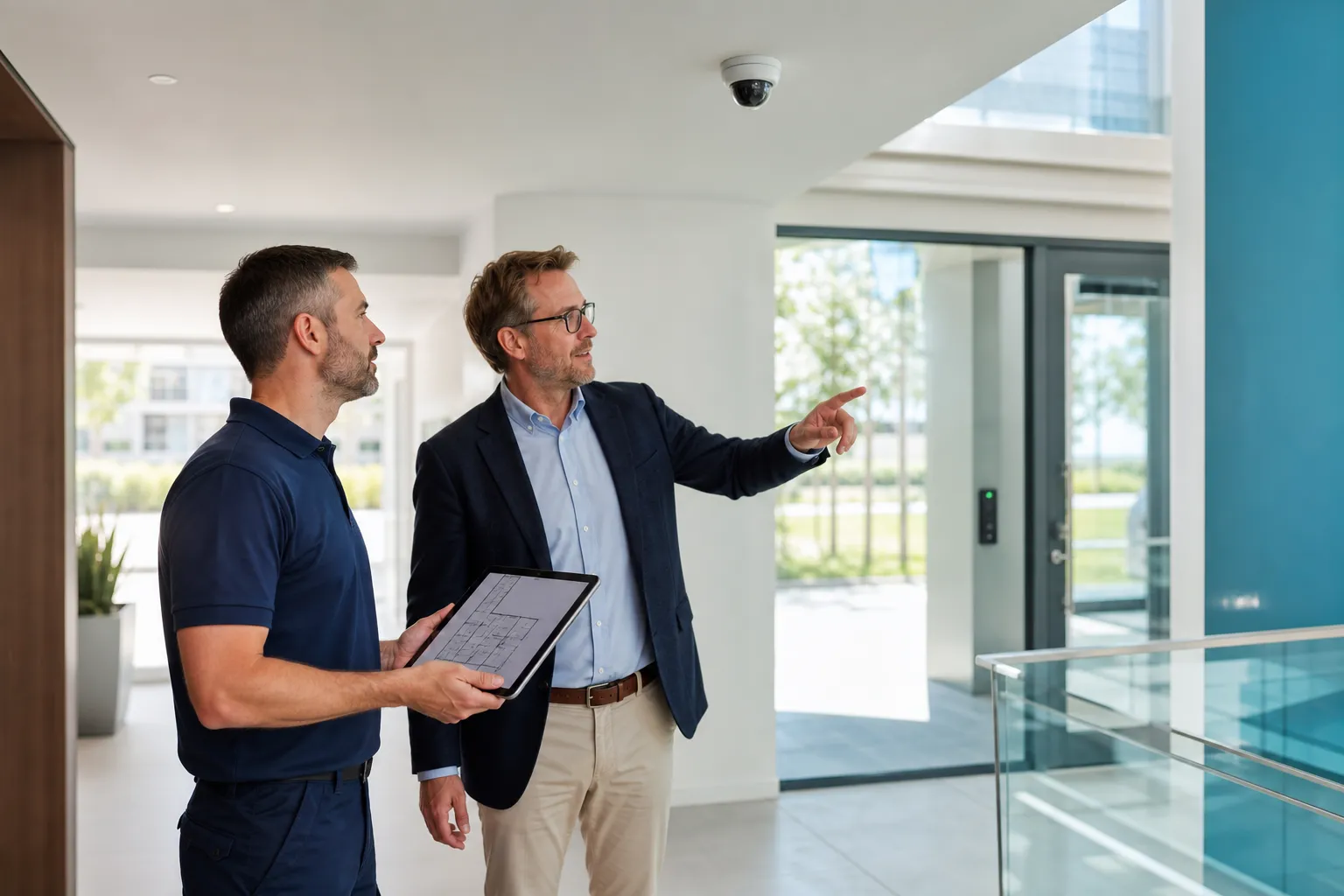
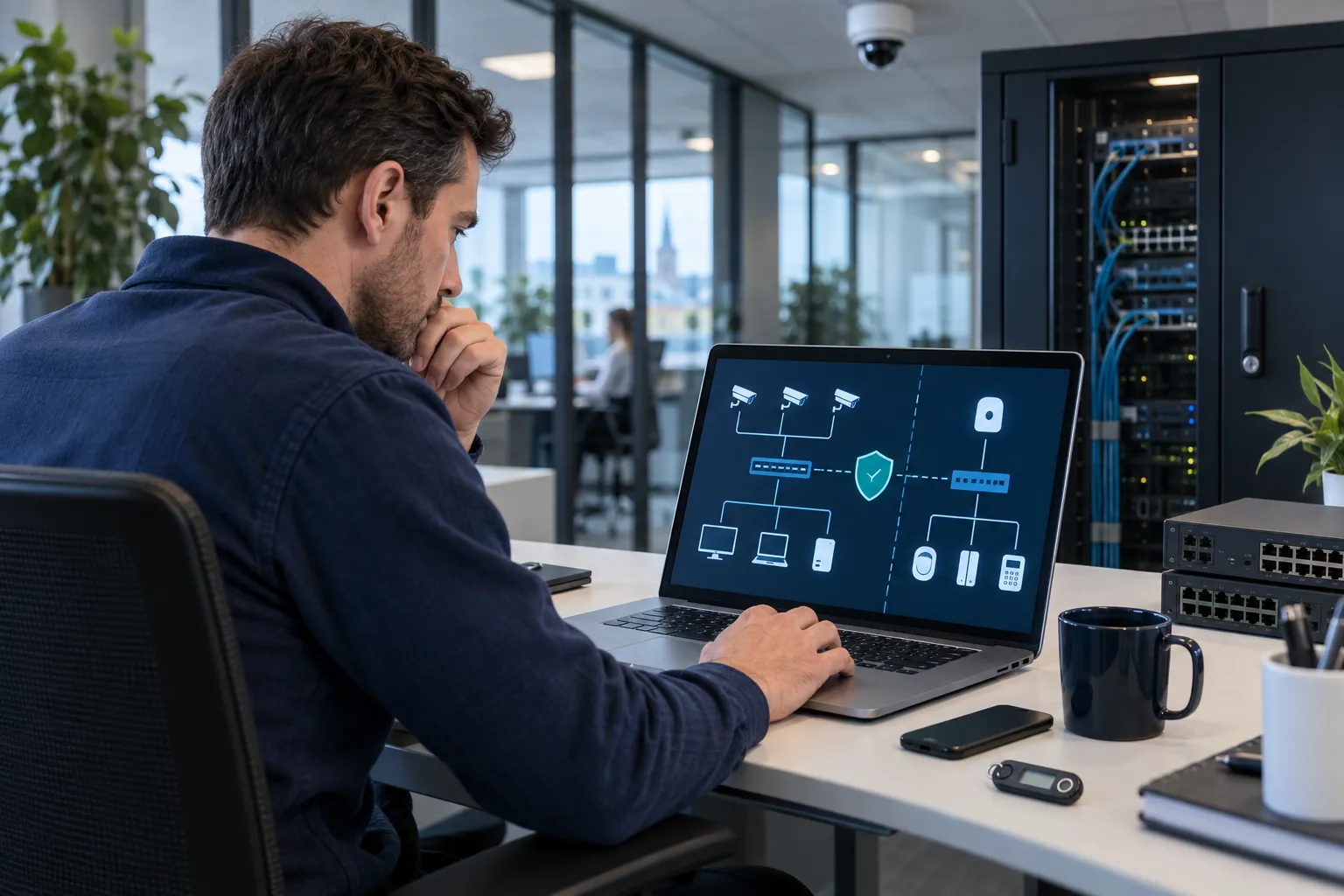
Treat connected security like IT: remove default passwords, use named accounts and MFA, segment the network, install updates and restrict remote access. Document support lifetime, configuration backups and recovery too.
Key points
- No default or shared accounts.
- Restrict and monitor the security network.
- Plan updates with backups.
- Make support access temporary and traceable.
Regulatory content reviewed on 8 September 2026. Check official sources for your specific situation.
Physical security is digital
Cameras and controllers process sensitive images, rights and logs.
Plan cybersecurity during selection, installation and maintenance.
- Images
- Rights
- Logs
- Availability
- Business network
Accounts
Change defaults, use individual least-privilege roles and separate daily viewing from administration.
Enable MFA and remove old users and devices.
- Unique password
- MFA
- Roles
- Named users
- Recovery
Network segmentation
Allow only required connections to recorders, time and authorised services.
Avoid direct internet port exposure.
| Measure | Purpose | Evidence | Owner |
|---|---|---|---|
| Named accounts | Trace access | User list | Operator |
| MFA | Protect account | Enabled | IT |
| Segmentation | Limit movement | Rules | IT |
| Updates | Patch | Version log | IT/installer |
| Backup | Recover | Test | Named owner |
Updates and support
Ask for update policy and end-of-support date.
Back up before updates and test camera, recorder and integrations afterwards.
- Policy
- Support end
- Backup
- Maintenance window
- Test
Remote support
Use temporary named access with limited rights and logs.
Manage mobile devices and notification privacy.
- Temporary
- Log
- Device
- Revoke
- Notifications
Encryption and backup
Protect connections and exports and avoid permanent public links.
Back up configurations and test recovery.
- TLS
- Export
- Configuration
- Separate copy
- Recovery
Incident response
Isolate, preserve logs and change access from a safe device.
Assess impact, fix the cause and monitor after recovery.
- Isolate
- Logs
- Credentials
- Impact
- Monitor
FAQ
Should a camera be exposed directly to the internet?
Avoid direct exposure and use a documented secure architecture.
Is MFA useful for camera apps?
Yes. A stolen password alone is then less likely to grant access.
Who performs updates?
Assign responsibility between customer, IT and installer.
What if compromise is suspected?
Isolate the device, preserve logs and have the incident assessed.