
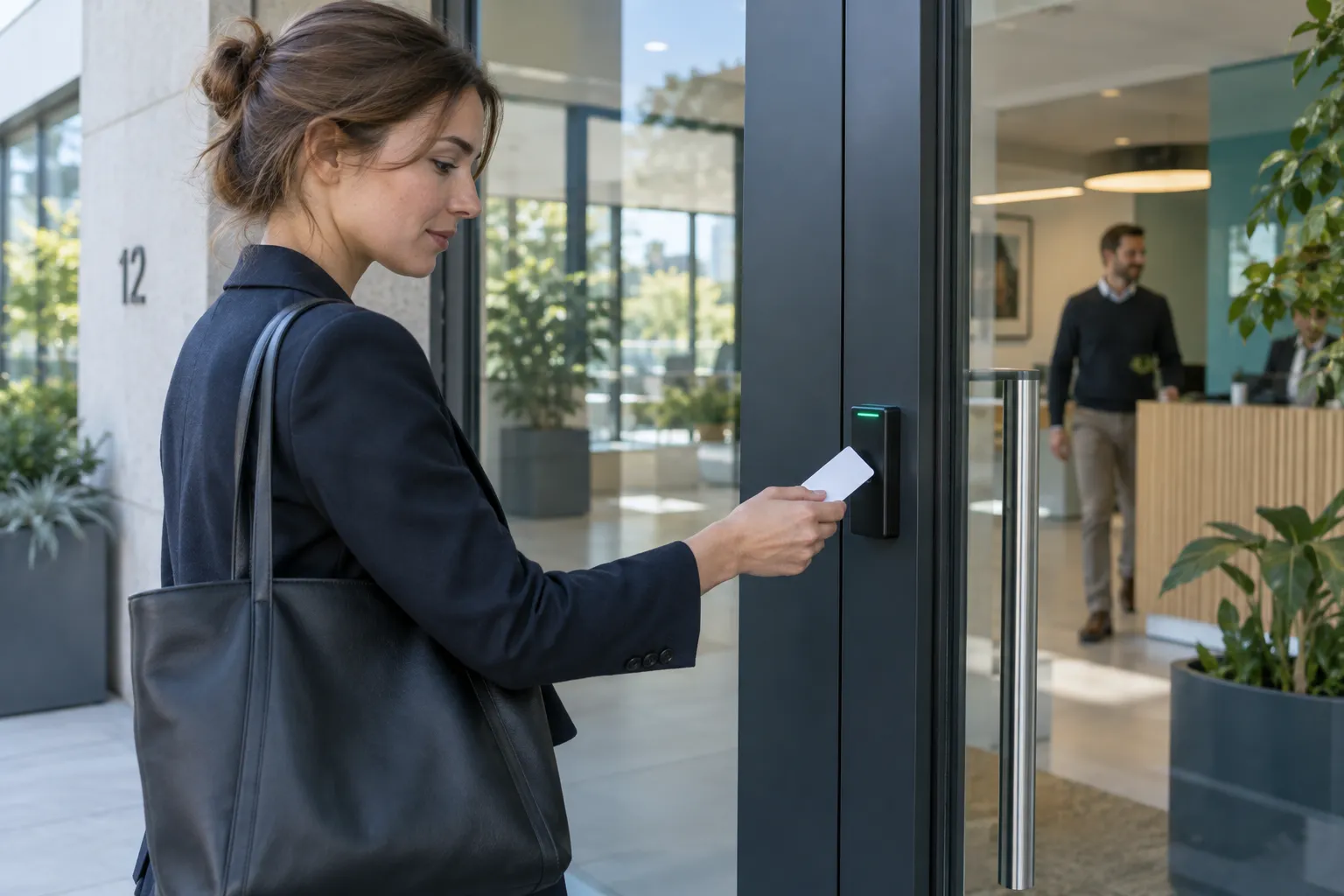
Access control combines a credential, reader, rule, controller and lock. It decides who may open which door and when. For an SME, role-based rights, credential lifecycle, door behaviour on failure and simple administration matter most.
Key points
- Design rights by role.
- Treat the door and lock as one system.
- Plan joiners, movers and leavers.
- Limit logs and protect administration.
Five parts of an access decision
A card, code or mobile ID passes through a reader to the controller, which applies a rule and operates the lock. A door contact confirms the real state.
Rules may depend on site, door, time and role. Keep the logic readable for future administrators.
| Part | Function |
|---|---|
| Credential | Presents a right |
| Reader | Reads it |
| Controller | Decides |
| Lock | Secures or releases |
| Contact | Confirms the door |
Roles simplify SMEs
Per-person rights become unreadable. Group office, workshop, manager, cleaner, contractor and visitor needs.
Role changes and departures then become easier. Give temporary exceptions an end date.
- Real job roles
- Least privilege
- End dates
- Named approver
The door is mechanical
Software cannot fix a poorly closing door. Check the closer, lock, exit control and emergency behaviour.
Define power-loss behaviour. External, internal, gate and lift access may differ.
- Reliable closing
- Safe exit
- Power loss
- Backup power
- Door maintenance
Card, code or smartphone
Cards are easy to revoke, codes spread easily, and mobile credentials need sound enrolment and support.
Biometrics involve sensitive data and should only follow a demonstrated need and alternatives review.
| Method | Strength | Attention |
|---|---|---|
| Card | Simple | Loss |
| Code | Shared use | Disclosure |
| Mobile | No extra token | Phone and support |
| Biometric | Specific cases | Sensitive data |
Lifecycle is daily work
Define creation, approval, issue and revocation. Block lost credentials without affecting everyone else.
Review inactive users, exceptions and administrators periodically.
- Join
- Move
- Temporary right
- Loss
- Leave
- Review
Logs and data protection
Access logs relate to people. Set purpose, retention, authorised viewers and response procedures.
Do not retain indefinitely. Use named admin accounts and protect exports and backups.
- Purpose
- Retention
- Named admins
- Controlled exports
- User information
Integrate without fragility
Access can work with alarms, video and intercom. Give every interface a purpose, failure state and owner.
Evacuation takes priority. Test complete and degraded operation.
- Purpose
- Failure mode
- Owner
- End-to-end test
- Fallback procedure
Minimum brief
List doors, roles, schedules, visitors, sites and owners. Build a role-to-zone matrix.
Ask for a demonstration of daily tasks: issue, lose, change a schedule and find a fault.
- Door plan
- Role matrix
- Exit scenarios
- User process
- Backup
- Maintenance
FAQ
Can access control start with one door?
Yes, if key management already causes a problem there.
Does it work without internet?
Many controllers decide locally; define and test the exact behaviour.
Can an existing lock be reused?
Sometimes, after mechanical, electrical and life-safety checks.
How long should logs be kept?
Use a limited period tied to a legitimate purpose.